5 Min.By Hagen RothmannCo-Founder & Commercial Lead
The Best MCP Server in 2025 for your daily work!
This comprehensive guide covers the top MCP servers available in 2025, including Morphik for document analysis, Exa.ai for web search, Firecrawl for scraping, Twenty CRM, fal for content generation, and more. Learn how keinsaas Navigator unifies all these MCP connections in one workspace.
What MCP Servers Exist? The Complete 2025 MCP Server List
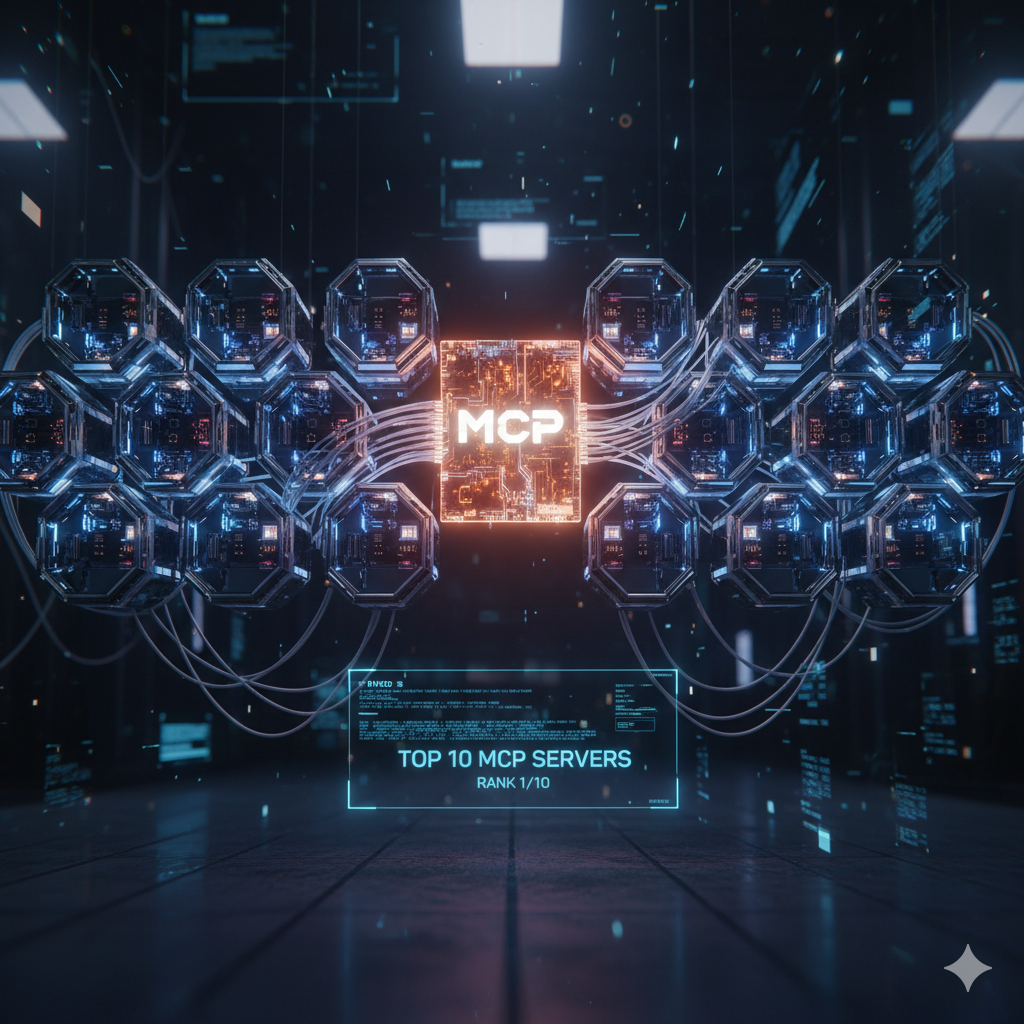
The Model Context Protocol (MCP) has revolutionized how AI applications connect to external tools and data sources since Anthropic introduced it in November 2024. If you're wondering "what MCP servers exist?" or searching for an up-to-date MCP server list, this guide has you covered.
This comprehensive guide covers the most powerful MCP servers available today, from document analysis to web scraping, CRM integration to video generation.
What Are MCP Servers?
Let's start with a quick definition: MCP servers are applications that expose specific capabilities (tools, resources, or prompts) that AI assistants can access through the Model Context Protocol. They serve as bridges between your AI and the real-world tools you use every day.
The Essential MCP Server List
Document Analysis & Intelligence
Morphik (YC X25)
Morphik consistently outperforms traditional RAG systems and leading LLMs on challenging document analysis benchmarks. This YC-backed MCP server specializes in deep document understanding, making it ideal for:
- Complex contract analysis
- Research paper comprehension
- Multi-document synthesis
- Technical documentation processing
Why choose Morphik? When accuracy matters and traditional retrieval falls short, Morphik's advanced analysis capabilities deliver superior results.
Web Search & Data Retrieval
Parallel Web Systems & Exa.ai
Delivers stronger web search than ChatGPT's built-in capabilities. Exa.ai provides:
- Neural search that understands meaning, not just keywords
- Real-time web data access
- Semantic search across the internet
- Domain-specific search filtering
Use case: When you need Navigator to find information that goes beyond simple keyword matching.
Serp API MCP
Direct access to search engine results pages (SERP) for:
- Keyword research and analysis
- Competitor analysis
- SEO performance tracking
- Market research at scale
Standout feature: Ideal for marketing teams who need AI-powered SEO insights.
Web Scraping & Data Extraction
Firecrawl
A reliable MCP server for scraping the web. Firecrawl enables Navigator to:
- Extract clean, structured data from websites
- Navigate dynamic JavaScript-heavy sites
- Handle pagination and complex site structures
- Convert web content to LLM-friendly formats
Best for: Building datasets, monitoring competitors, or aggregating information from multiple sources.
MCP Connection Hubs
Smithery
Your central hub for MCP servers. Smithery lets you:
- Connect your own built MCPs
- Search the community for existing servers
- Discover new integrations
- Share your MCP creations
In a nutshell: The npm registry for MCP servers.
Composio (Connect via Rube)
Manage all your apps in one central dashboard. Composio provides:
- Unified app management
- Pre-built integrations for 100+ tools
- Authentication handling
- Rate limiting and error management
Key advantage: No need to build custom connectors for popular apps.
Growth & Marketing Tools
GrowthSpree
Growth partners for B2B SaaS delivered through MCP. Access:
- Growth strategy automation
- Customer acquisition insights
- Conversion optimization
- Data-driven marketing recommendations
DataForSEO
Complete Google Ads & SEO data access including:
- Keyword difficulty scores
- SERP analysis
- Backlink data
- Rank tracking
- Search volume metrics
Works well with: Use DataForSEO with Serp API MCP for comprehensive SEO automation.
CRM & Customer Data
Twenty - Open Source CRM
An open-source CRM with enrichment via FullEnrich. Features include:
- Contact and company management
- Data enrichment with FullEnrich integration
- Deal pipeline tracking
- Activity logging
- Custom fields and workflows
Why it matters: First-party open-source CRM accessible via MCP, giving you full data control.
Content Generation
fal - modern Video & Image Generation
Access modern generative AI models through MCP:
- Text-to-image generation
- Image-to-video conversion
- Style transfer
- High-resolution upscaling
- Multiple model support (Stable Diffusion, Flux, etc.)
Creative workflows: Let Navigator generate and iterate on visual content directly.
TwelveLabs - Video Search & Analysis
Revolutionary video understanding capabilities:
- Search within video content
- Scene detection and classification
- Object and action recognition
- Video summarization
- Transcript generation with timestamps
Important for: Content teams managing large video libraries.
Workflow Automation
n8n - Build Workflows from Natural Language
Describe what you want to automate in plain English, and n8n creates the workflow:
- 400+ integrations
- Visual workflow builder
- Conditional logic
- Error handling
- Scheduling
Standout capability: "Send a Slack message when a new customer signs up" becomes a working workflow automatically.
Memory & Context Management
Mem0 - You Decide Which Memories Get Stored!
Give your AI persistent memory across conversations:
- Selective memory storage
- User preferences
- Historical context
- Cross-session continuity
- Privacy-first design
What sets it apart: You control what gets remembered, ensuring relevant context without bloat.
How to Choose the Right MCP Server
When selecting MCP servers for your workflow, consider:
- Use Case Alignment - Does it solve your specific problem?
- Integration Complexity - How easy is it to set up?
- Performance - Does it meet your speed/accuracy requirements?
- Cost - Many MCPs charge per API call or usage
- Community Support - Active development and documentation?
Introducing keinsaas Navigator: Your Unified MCP Workspace
Connecting all these MCP servers manually can be a lot to manage. That's where keinsaas Navigator comes in.
What is Navigator?
Navigator is a unified AI workspace that brings your tools, files, and models together in one place, making MCP integration straightforward.
Key Features:
Easy MCP Connection
- Connect MCPs via Smithery with one click
- Integrate through Composio's dashboard
- Or let us build custom MCPs for your specific needs
Search Anything
- Unified search across all connected tools
- Find files, conversations, and data instantly
- Context-aware results
Automate Everything
- Combine multiple MCPs into workflows
- Natural language automation
- Cross-tool orchestration
Pay Only for What You Use
- No subscription lock-in
- Usage-based pricing
- Transparent cost tracking
No Vendor Lock-in
- Your data stays yours
- Export anytime
- Standard MCP protocol
Getting Started with Navigator
Option 1: Connect Existing MCPs
Browse Smithery or Composio's catalog and connect the MCPs you need. Navigator handles all the authentication and configuration.
Option 2: Use Our Pre-Configured Packs
Get started instantly with curated MCP bundles:
- Content Creator Pack: Firecrawl + fal + TwelveLabs
- Growth Marketer Pack: DataForSEO + Serp API + GrowthSpree
- Data Analyst Pack: Morphik + Exa.ai + Parallel Web Systems
Option 3: Custom MCP Development
Need something specific? Our team builds custom MCP servers tailored to your workflow. From proprietary APIs to internal tools, we make it accessible to your AI.
The Future of AI Workspaces
The MCP ecosystem is growing rapidly. New servers are launching weekly, expanding what's possible with AI assistants. The servers listed above represent the modern of what MCP can do today, but this is just the beginning.
With Navigator, you're not just getting access to these tools—you're getting a platform that grows with the ecosystem. As new MCP servers emerge, you can integrate them immediately without rebuilding your workflow.
Conclusion: Your MCP Server Checklist
Here's a practical starting point:
- Identify which MCP servers solve your problems (use the list above)
- Decide if you want to connect them individually or through a platform
- Consider Navigator for unified management and custom development
- Start with 2-3 core MCPs, then expand as you see results
The question isn't "what MCP servers exist?"—it's "which MCP servers will transform your workflow?"
Ready to unify your AI workspace? Try Navigator today and connect to all these MCP servers in minutes, not days.
Last updated: October 2025 | This list is continuously updated as new MCP servers are released.
Have a question about specific MCP servers or need help choosing? Reach out to our team for personalized recommendations.

About the author
Hagen Rothmann
Co-Founder & Commercial LeadWith his first company, Coconaut.uk, he started automating processes in production and logistics early on. Today, he is driven by the question of how companies can handle recurring work more efficiently, autonomously, and at scale.
Connect on LinkedInWhat's next
Ready to build something that fits your team?
Book a free discovery call and we'll map out where custom AI would meaningfully change your week.
Book a discovery call